The other half of your session.
Small, focused tools for the recording session workflows your DAW forgot to cover.
- VST3 and Audio Unit
- macOS 15 or later
- Signed & notarized by Apple
- No audio processing, no latency
- What we build
Tools that connect to your session, not lock you into it.
The creative process doesn’t just happen when you are at your computer staring at your DAW. We build tools with an emphasis on open platforms to solve problems at your desk, on the go, and anywhere in between.
LyricBinder
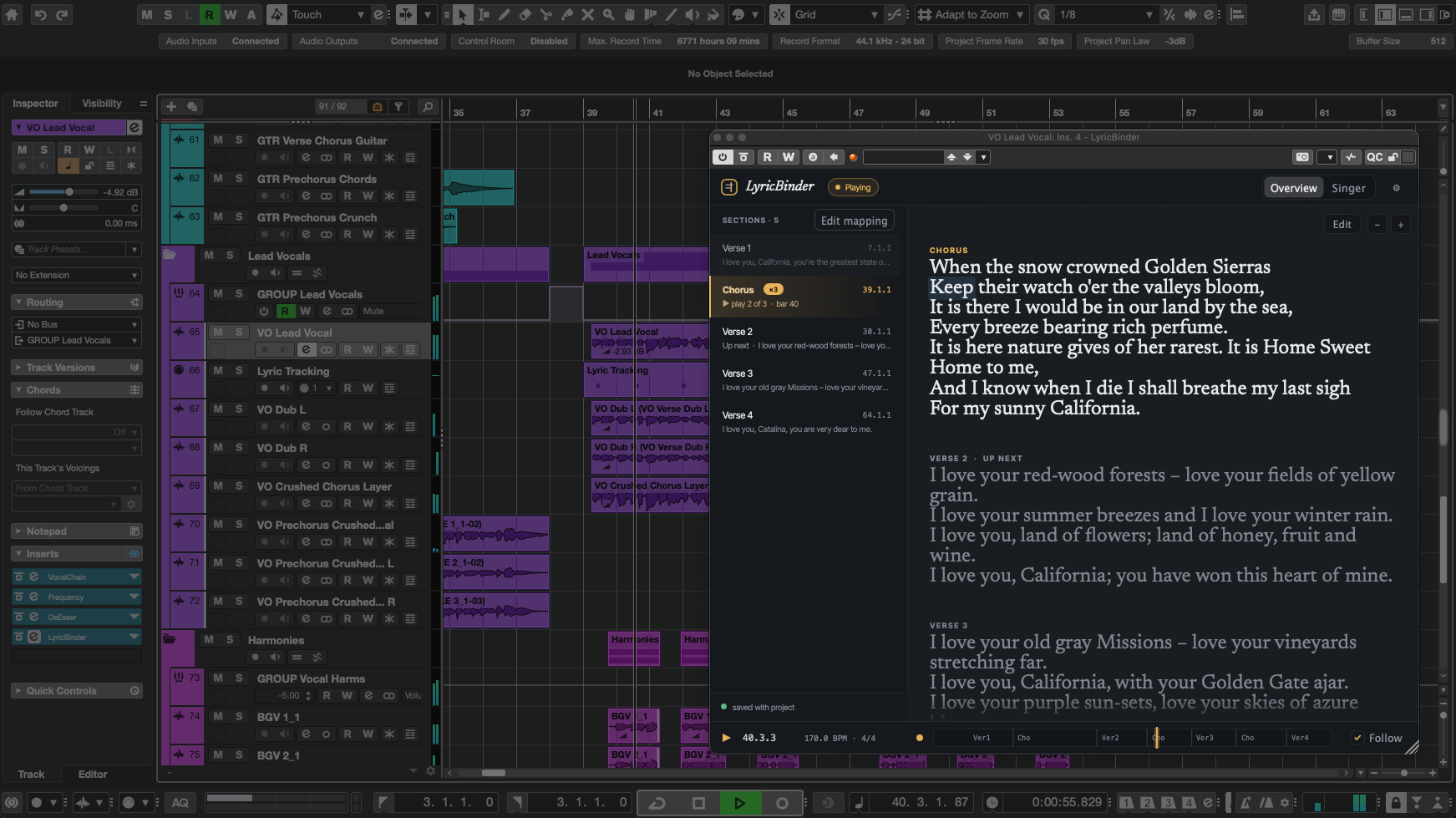
Point it at a Markdown file or a Google Doc, map the sections to bars, and hit play. Sections come straight from the headings you already wrote. The words keep pace with the music, and edits in your editor land in the plugin live.
- Follows your playhead — reads bar, beat and tempo straight from the host.
- Section, line or word — zero-setup section tracking, or MIDI keyswitches and melody following for exact precision.
- Bring your own lyrics — Markdown file on disk (can be created in-plugin) or a connected Google Doc, watched for changes.
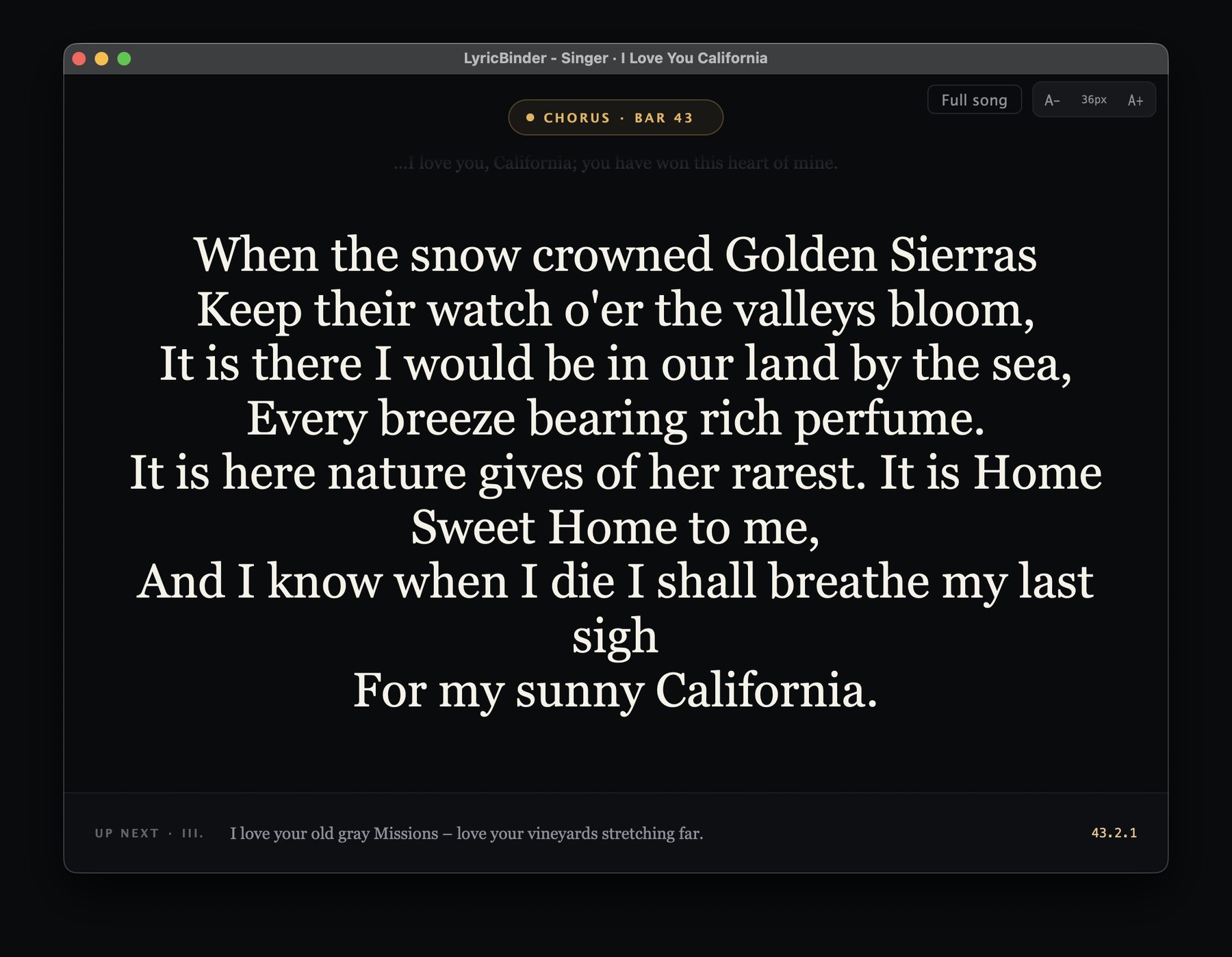
- Singer view — a real teleprompter, poppable out to a second screen.
I wanted to be able to continue to create and iterate on lyrics outside the DAW while easily keeping them synced on the timeline when it's ultimately time to track the vocals.
- Questions
The short answers.
What do I need to run LyricBinder?
Does it process my audio?
Where do my lyrics actually live?
Are updates free?
Purchases include all updates for the current version of the plugin (i.e. 1.x). Any future major version updates will include significant new functionality with a substantial upgrade discount offered to all current license holders.
What do you collect about me?
- Get started